
Why Your Google Ads Aren't Working: 6 Common Mistakes South London Trades Make
'I tried Google Ads and it didn't work.' It's one of the most common things we hear. Here are the six mistakes that cause Google Ads to fail for South London trades businesses — and how to fix them.
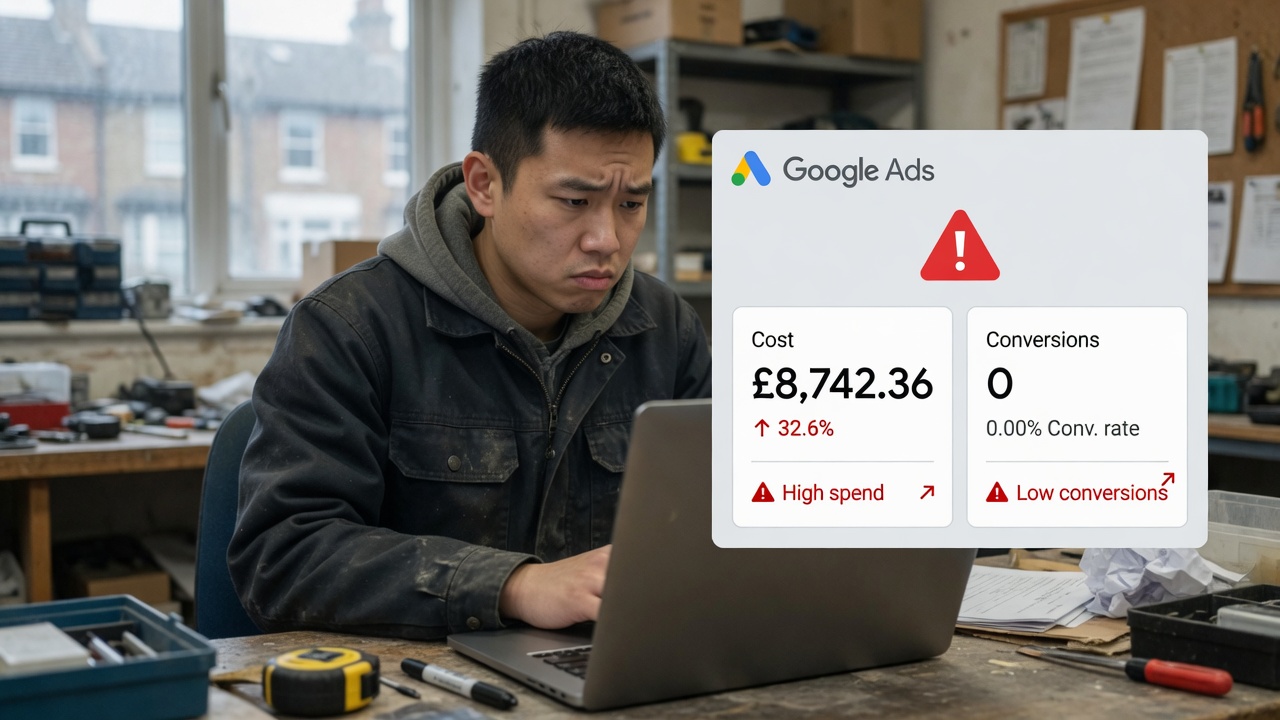
'I tried Google Ads and it didn't work.' It's one of the most common things we hear from South London trades businesses who come to us after a frustrating experience with paid search. You can see how a properly built local campaign looks on our Google Ads management in Croydon and Google Ads management in Kingston pages.
The reality is almost always the same: Google Ads does work — but only when it's set up correctly. And the six mistakes below account for the vast majority of failed campaigns we've seen from trades businesses across South London.
Mistake 1: Sending ad clicks to your homepage
Your homepage is designed for a general visitor who wants to understand what you do. An ad click is not a general visitor — it's someone who searched for a specific thing and clicked because they thought you had it.
Sending that click to your homepage forces them to hunt for what they want. Most don't bother. They leave, you've paid for the click, and nothing happens.
Every Google Ads campaign should send traffic to a dedicated landing page that matches the ad exactly. If you're running an ad for 'kitchen fitter Clapham', the landing page should be specifically about kitchen fitting in Clapham — with a clear headline, relevant content and a prominent contact form or phone number.
Mistake 2: Bidding on broad keywords
'Kitchen fitter' as a keyword will show your ad to everyone searching for anything remotely related to kitchen fitting — including people in Manchester, people looking for kitchen fitter jobs, people searching for kitchen fitter training, and people who want to know how much kitchen fitting costs but have no intention of hiring anyone.
For a South London trades business, your keywords need to be tight and local. 'Kitchen fitter Clapham', 'kitchen installation South London', 'kitchen fitter near me' — these are the searches from people who are actually ready to hire someone in your area.
Use phrase match or exact match keyword types, not broad match. And build a thorough negative keyword list — terms like 'jobs', 'training', 'course', 'DIY', 'cheap' — to block the clicks that will never convert.
Mistake 3: No conversion tracking
If you don't know which clicks turned into enquiries, you don't know which keywords, ads and targeting settings are working. You're optimising blind.
Conversion tracking means telling Google what counts as a success — a form submission, a phone call, a WhatsApp click. Without it, Google's algorithm has no signal to optimise toward. With it, the algorithm learns over time which searches, devices, times of day and audiences are most likely to generate real enquiries — and shifts your budget toward them.
Setting up conversion tracking is one of the first things we do for every Google Ads client. Without it, no other optimisation is meaningful.
Mistake 4: Running ads without a budget for testing
Google Ads requires a testing phase. In the first 4–6 weeks, the algorithm is learning — gathering data on which keywords, ads and audiences convert. During this phase, results are often poor and cost per lead is high.
Trades businesses that set a tight budget, see poor results in the first month and turn the ads off are stopping exactly when the algorithm is about to start performing. A realistic Google Ads budget for a South London trades business is £500–£800/month in ad spend for the first 3 months, with the understanding that cost per lead will improve significantly once the learning phase is complete.
Mistake 5: Ignoring ad scheduling and location targeting
Google Ads gives you precise control over when your ads show and where. Most trades businesses running their own campaigns leave these settings at default — which means your ads are showing to people across the whole of London (or the whole of the UK) at 3am.
Set your location targeting to the specific South London postcodes or boroughs you actually serve. Set your ad schedule to the hours when homeowners are most likely to search — typically 7am–9pm on weekdays, and throughout the day on weekends. This alone can reduce wasted spend by 30–40%.
Mistake 6: Writing generic ads
'Quality kitchen fitting services in London. Call us today.' This ad tells a homeowner nothing that differentiates you from the 50 other kitchen fitters bidding on the same keyword.
Your ad needs to speak directly to what a South London homeowner actually cares about when hiring a kitchen fitter:
- Specificity: 'South London Kitchen Fitters — Clapham, Brixton & Dulwich'
- Trust signals: 'Fully Insured · 200+ Five-Star Reviews'
- Value proposition: 'Free Quote Within 24 Hours · No Obligation'
- Call to action: 'Book a Free Consultation Today'
Test multiple ad variations — Google will automatically show the best-performing ones more frequently over time.
The honest fix
All six of these mistakes are fixable. But fixing them requires time, expertise and the right tools. Google Ads management is included in our Growth package at £1,500/month and our Full Service Partnership at £2,200/month — and available as an add-on to our Seed package at £400/month.
If you've previously run Google Ads and seen poor results, our free 20-minute audit will tell you exactly what went wrong and what a properly set-up campaign would look like for your trade and area.
Is your Google Ads spend generating real leads?
Book a free 20-minute audit — we'll review your current campaigns and tell you exactly what's wasting your budget and what to fix first.